Web Design Case Study – Estimated Read Time: 4–5 minutes
When OnviSource, a leading U.S. based software and AI transformation company, needed a complete digital facelift, we jumped at the opportunity to put our Web Design tools to the test. Rebuilding an enterprise site for a company operating at the forefront of AI required balancing aesthetic freedom with technical execution.
Here is an inside look at how we leveraged Wix Harmony to transform OnviSource’s web presence completely.
Our primary goal was to completely rethink OnviSource’s front-end presence. We needed to generate custom graphics, restructure page layouts, sharpen section flows, and implement on-brand copy, all while building out a cohesive digital ecosystem that accurately reflects their position as AI industry leaders.
Key Portfolio Highlights & Architectural Features
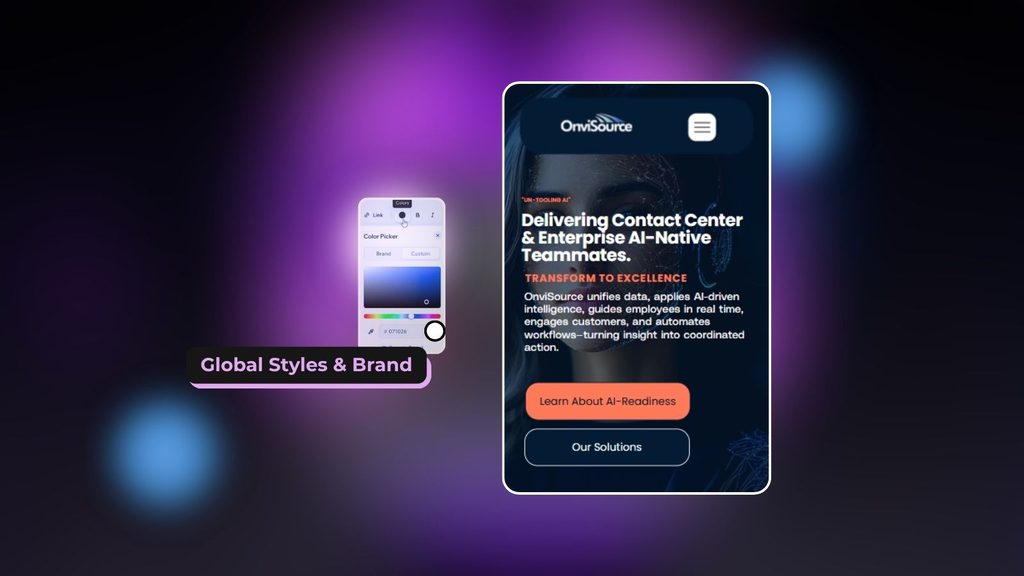
Global Styles & Brand:
Maintaining visual integrity across a large site can get messy fast. Using global design features, we established locked font hierarchies and a custom colour brand kit so updates rendered across every page instantly.
Intuitive Navigation UI Control:
We designed a fluid, responsive navigation structure that lets users smoothly transition between complex software solution pages.

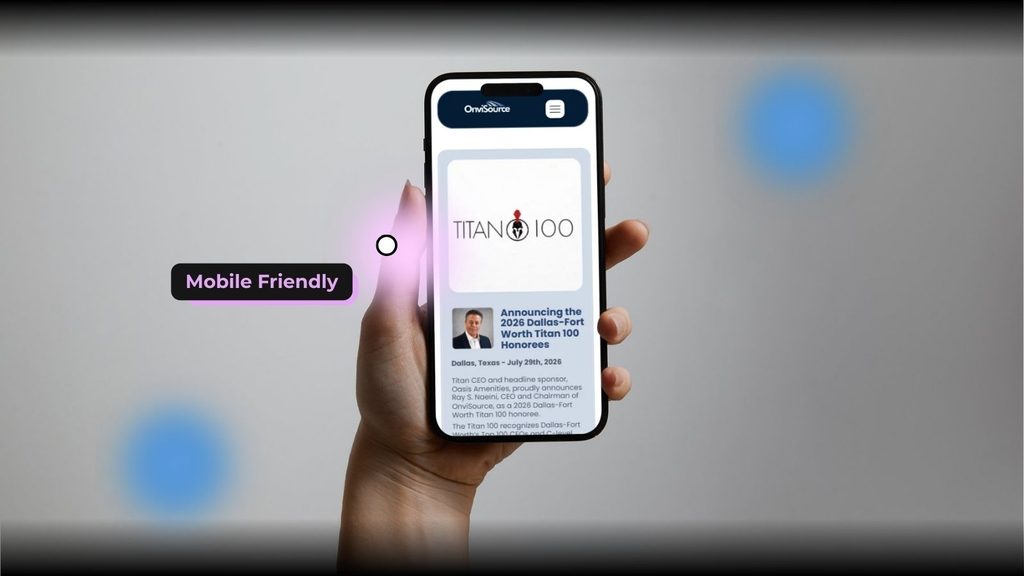
Fully Responsive Mobile-Friendly Interface:
We engineered a seamless mobile experience optimised for modern smartphone users. Using Wix Harmony’s adaptive UI controls, every section, image container, and typography element automatically recalculates for perfect mobile responsiveness, ensuring zero layout breakages across all screen viewports.
Gated Member Areas & Dual-System Custom Forms:
To support OnviSource’s community, we deployed Member-Only Areas with a heavy focus on login form architectures.
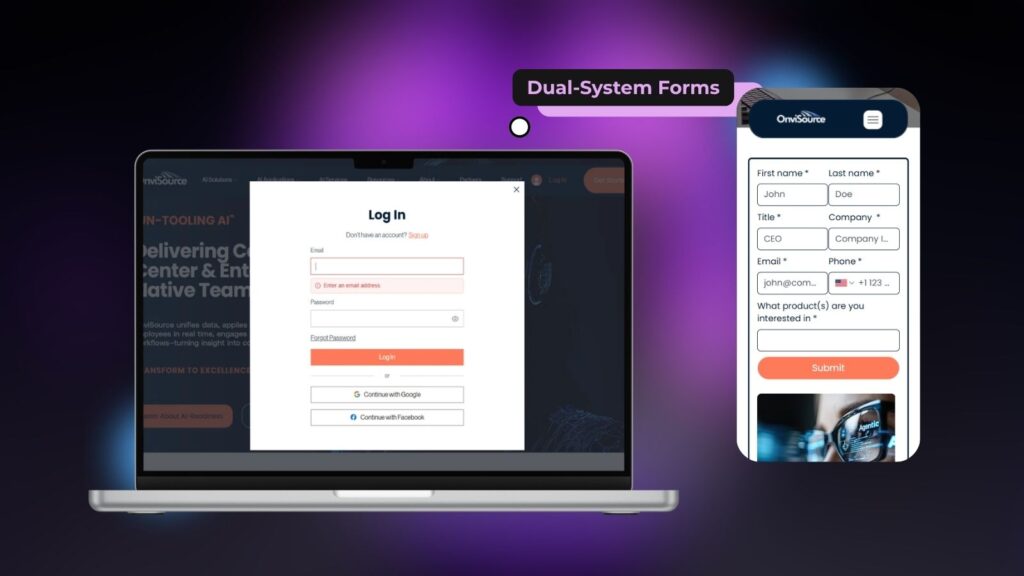
- Membership & Registration Forms: Sign-up and login popups integrated seamlessly into the gated user dashboards, handling user authentication and onboarding smoothly.
- Contact & Inquiry Forms: Forms built with logic and tailored styling to match the site’s brand kit.
- Backend Functionality: Both form types feed directly into the centralised Wix Contacts database, automatically tagging lead types, segmenting members, and triggering automated real-time email notifications to the sales team.
The Agency Perspective: Real-World Lessons from the Build
While Wix Harmony allowed us to design interactive front-end layouts, running an enterprise-level site rebuild brought several critical technical bottlenecks to light:
- Hardware Demands Are Real (RAM Lag): System memory gets eaten up fast. On mid-range hardware, complex multi-page editing sessions led to noticeable browser lag and performance stutters. Running 16 GB+ RAM is virtually essential for development teams to keep workflow execution smooth.
- The CMS & Dataset Gap: For projects requiring heavy dynamic page scaling, a classic builder or Wix Studio setup remains necessary.
- No Direct Migration Path: Transitioning from the classic Wix editor or Wix Studio to Wix Harmony isn’t seamless. There is no automated “convert” button to move existing dynamic sites into Wix Harmony; everything must be rebuilt manually from the ground up, adding significant migration overhead.
- Platform Lock-In & Scalability Limits: Sites created in Wix Harmony cannot be directly migrated or converted up to Wix Studio as a business grows; picking Wix Harmony locks you into a static framework. If long-term scalability and advanced web development are on the horizon, starting in Wix Harmony forces a complete site rebuild down the line.
Ready to build or redesign your website? Let’s Find Your Ideal Tech Stack First.
Before you commit time and budget, make sure to align with your long-term scalability goals. Whether you’re eyeing rapid deployment or need a heavy-duty dynamic CMS architecture, starting with a comprehensive audit saves you from website project delays later.
What’s Included In Our Free Website Audit:
- Compatibility Check: We evaluate your page volume, database needs, and content strategy to determine whether an AI builder or a dynamic CMS is the right fit.
- Performance & Hardware Review: Ensure our team’s hardware and local environment can handle browser-heavy production without workflow lag.
- Custom Tech Roadmap: Get actionable platform recommendations tailored to your exact growth trajectory.